
All Cursor Packs
Browse our full collection of custom cursors. Find your next favorite style and install it for free.
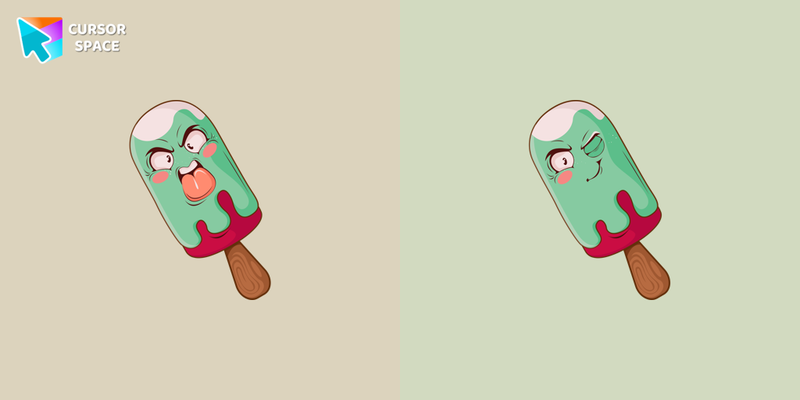 Angry Ice Cream cursorAngry Ice Cream custom cursor for mouse and pointer in a terrific cursors collection for Chrome. Custom cursor with ice cream in angry mood in cutie presentation of custom cursors collection with deserts.
 Aquarius Zodiac Sign cursorIndependent and original owners of the Aquarius horoscope sign will love our cute Aquarius custom cursor and hover for the mouse. Funny designed twelve horoscope cursors in our gorgeous Zodiac Signs custom cursors collection for Chrome.
 Pisces Zodiac Sign CursorCarved wood Pisces Zodiac Sign Cursor with twin-fish glyph arrow and hand for Chrome and Edge.
 Capricorn Zodiac Sign CursorCarved wood Capricorn Zodiac Sign Cursor with sea-goat glyph arrow and hand for Chrome.
 Sagittarius Zodiac Sign CursorCarved wood Sagittarius Zodiac Sign Cursor with archer glyph arrow and hand for Chrome and Edge.
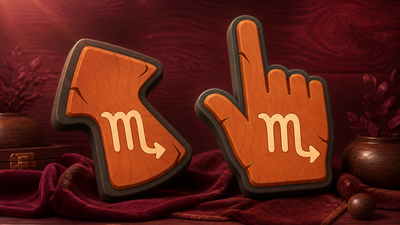 Scorpio Zodiac Sign CursorCarved wood Scorpio Zodiac Sign Cursor with stinger glyph arrow and hand for Chrome and Edge.
 Libra Zodiac Sign CursorCarved wood Libra Zodiac Sign Cursor with scales glyph arrow and hand for Chrome and Edge.
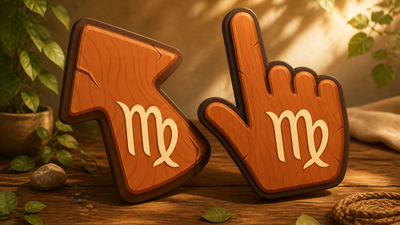 Virgo Zodiac Sign CursorCarved wood Virgo Zodiac Sign Cursor with maiden glyph arrow and hand for Chrome and Edge.
 Leo Zodiac Sign CursorCarved wood Leo Zodiac Sign Cursor with lion glyph arrow and hand for Chrome, Edge and Brave.
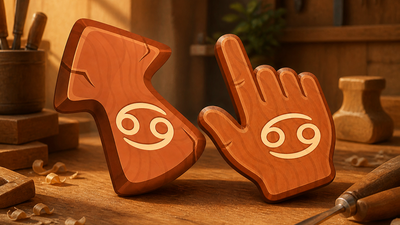 Cancer Zodiac Sign CursorCarved wood Cancer Zodiac Sign Cursor with crab glyph arrow and hand for Chrome and Edge.
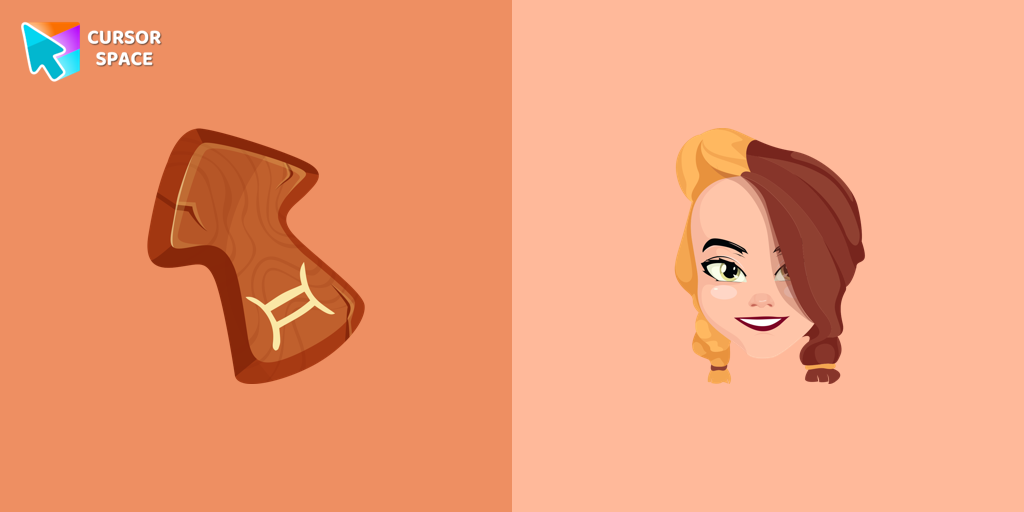 Gemini Zodiac Sign cursorGentle and optimistic owners of the Gemini horoscope sign will love our cute Gemini custom cursor and hover for the mouse.
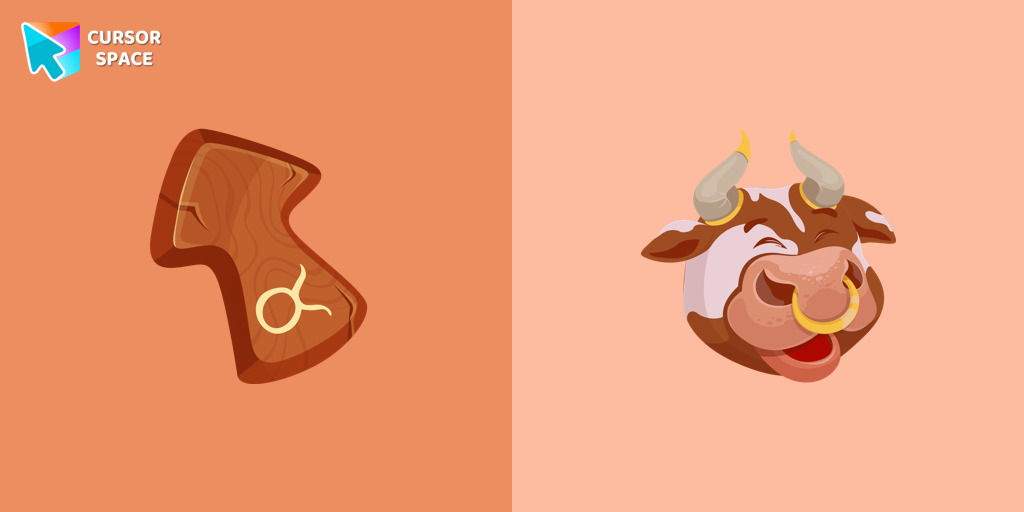 Taurus Zodiac Sign cursorResponsive and reliable owners of the Taurus horoscope sign will love our cute Taurus custom cursor and hover for the mouse.
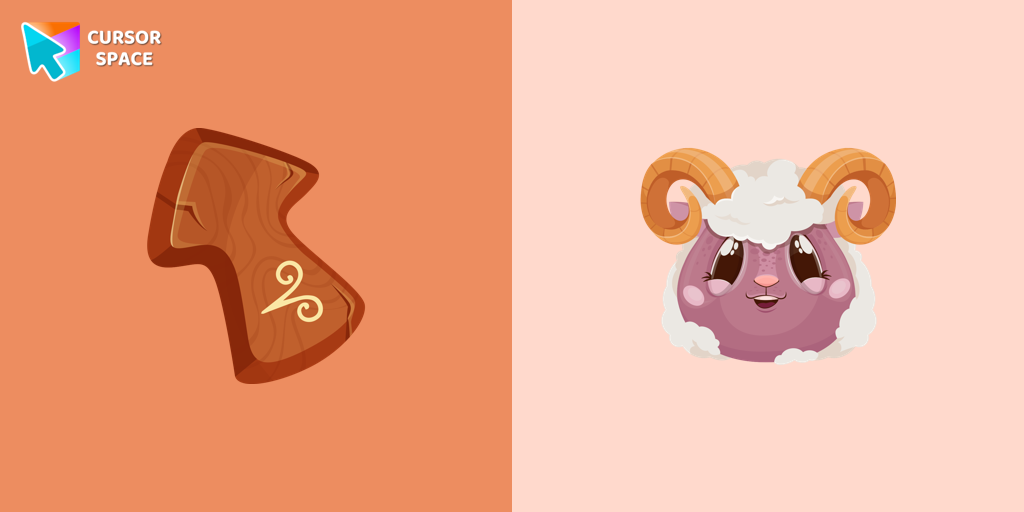 Aries Zodiac Sign cursorEnergetic and optimistic owners of the Aries horoscope sign will love our cute Aries custom cursor and hover for the mouse.
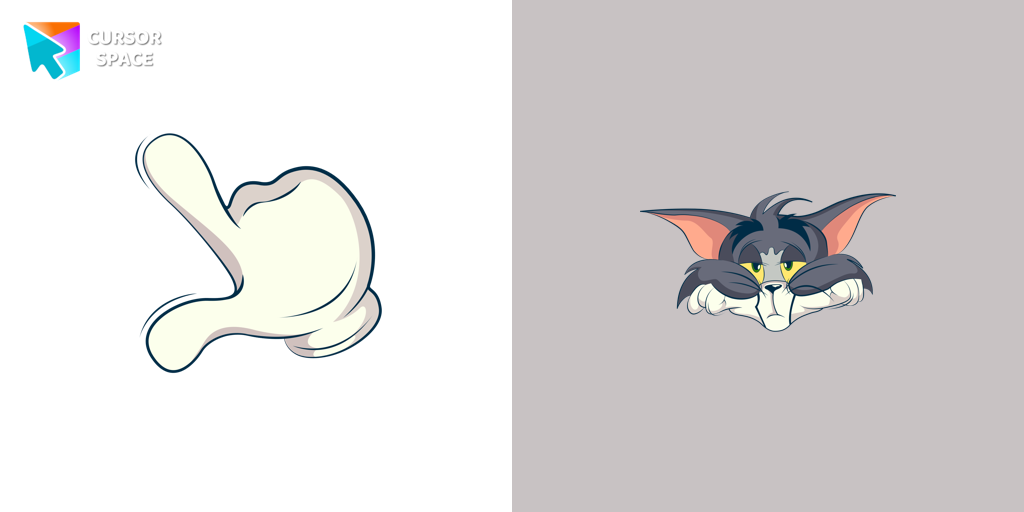 Bored Tom cursorThe Tom and Jerry custom cursor collection for Chrome features a fun and animated cursor of Tom, the mischievous cat.
 Angel Tom cursorTom, the beloved cat from the animated comic cartoon Tom & Jerry, is a well-known character. Recognizable by his blue and grey fur, Tom spends his days chasing the mischievous house mouse, Jerry
 Elephant cursorTom and Jerry is a popular American animated cartoon known for its comedic short stories featuring cats and mice.
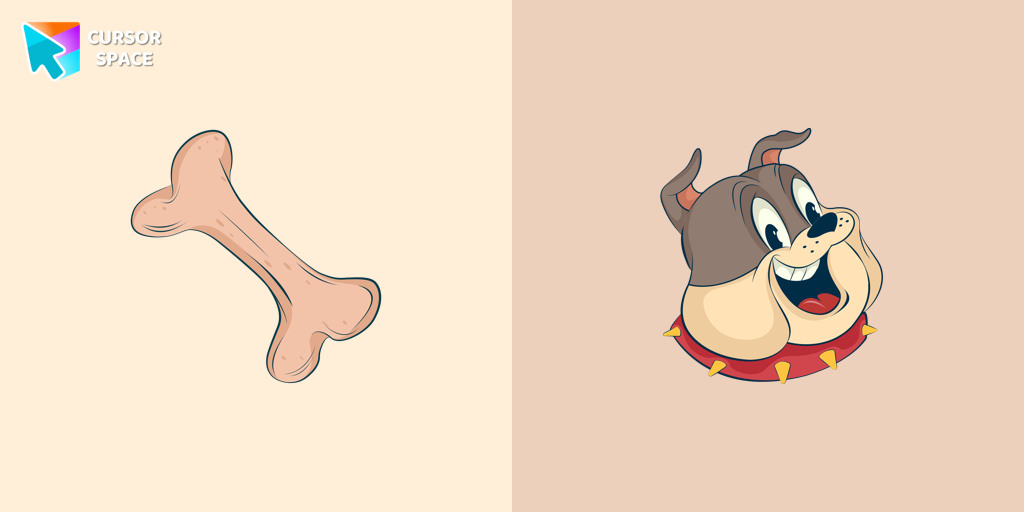 Spike Dog cursorCheck out our Spike dog cursor for a fun addition to your mouse pointer.
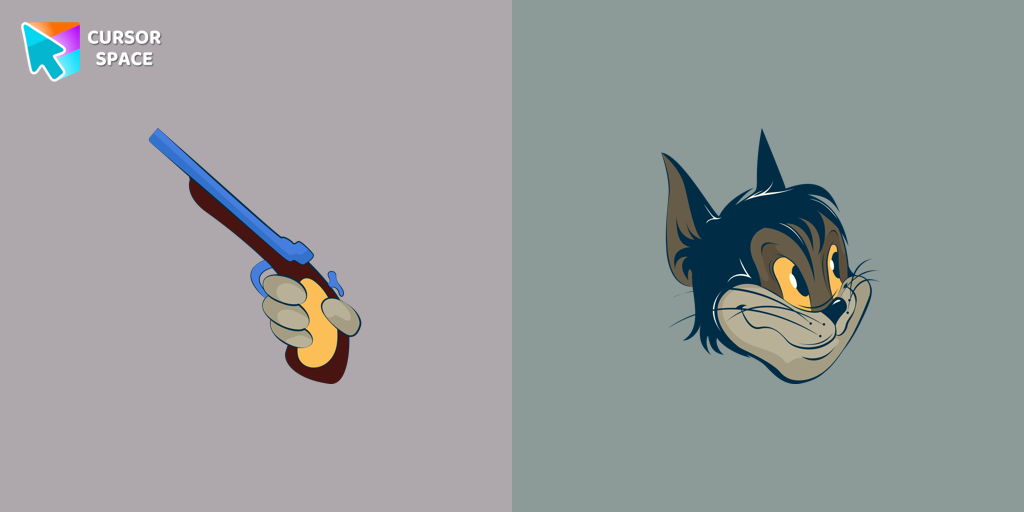 Butch cursorAdd some humor to your mouse pointer with our funny Butch Cat custom cursor from the Tom & Jerry collection for Chrome.
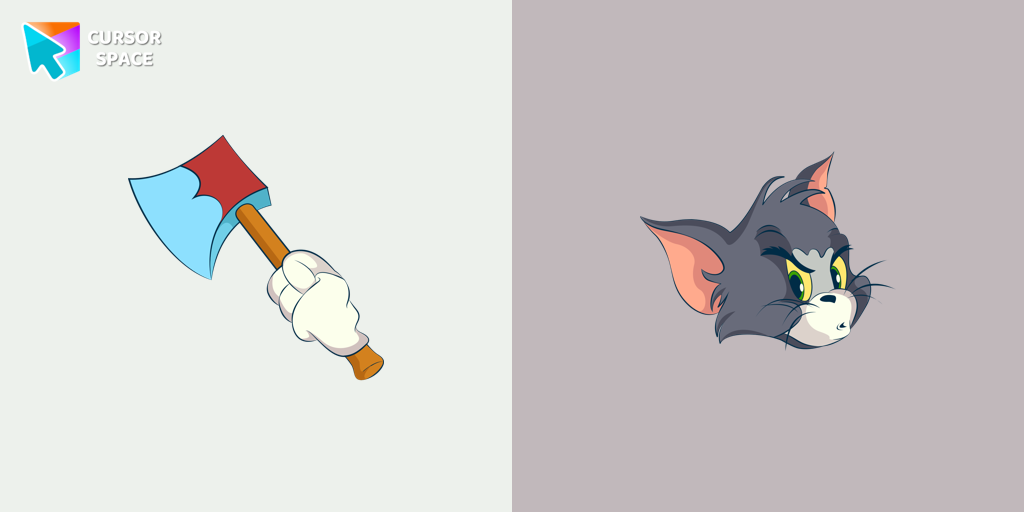 Angry Tom cursorBring the iconic Tom cat to your screen with this custom cursor for Google Chrome. Get the angry Tom cat cursor from the Tom & Jerry collection today!
 Happy Tom cursorDiscover joy with the happy Tom cat cursor for Chrome in our collection inspired by Tom and Jerry custom cursors for your mouse and pointers.
Explore cursor packs by style
Cursor Space packs include curated cursor sets for everyday browsing: cute, minimal, anime, neon, pixel art, and more. Each pack comes with multiple cursor states (like default and pointer) and can be added to your browser in seconds.
Trending now
Fresh picks based on what people install most often.
Collections
Browse themed sets grouped by vibe and aesthetic.
Top charts
See weekly, monthly, and all-time leaders.
How to install a cursor pack
- Open any pack from the grid above.
- Click the install / add button on the pack page.
- If you don’t have it yet, install the Cursor Space browser extension.
- Apply the pack in the extension and enjoy your new cursor.
FAQ
Quick answers to common questions about cursor packs, collections, and installation.
Are cursor packs free on Cursor Space?
Most cursor packs on Cursor Space are free to browse and install. Some packs may be marked premium depending on licensing. The Cursor Space browser extension is free to install from the Chrome Web Store.
Do cursor packs work on Chrome and Edge?
Yes. Install the Cursor Space extension for Chromium-based browsers (Chrome, Edge, Brave), open a pack page, and click install/apply. The extension applies the cursor set across your browser.
How do I install a custom cursor pack?
Open the pack page, click the install or add button, install the Cursor Space extension if prompted, then apply the pack from the extension popup. Your new cursor appears immediately.
Can I change or remove a custom cursor later?
Yes. Open the Cursor Space extension, choose another pack, or restore the default system cursor from the extension settings.
Is the Cursor Space extension safe?
Cursor Space is distributed via the Chrome Web Store and Edge Add-ons. Keep the extension updated, and only install packs from trusted catalog pages on this site.