
Candy Cursor

Try this cursor
Preview Candy Cursor in this sandbox. Hover and click - no extension needed for a test on this page. Download PNG, JPG, or CUR
Move here to see the default cursor
 DefaultMove around the board
 PointerHover a button or link
Description
What's included in the package
- Default Cursor
- Pointer (Hand)
How to install a custom cursor pack Candy Cursor
Install the Cursor Space extension for Chrome or Cursor Space for Edge in your browser.
On this page, click "Add this cursor pack to the extension".
Open the extension and go to the Packs tab.
Find the custom cursor pack "Candy cursor" and click it.
Enjoy!
Ready to install?
Get this cursor pack and thousands of others by installing our extension. It's fast and free!
Install for ChromePopular cursors today
Most installed packs in The Cutest - add them to Chrome or Edge in one click.
- Top 1
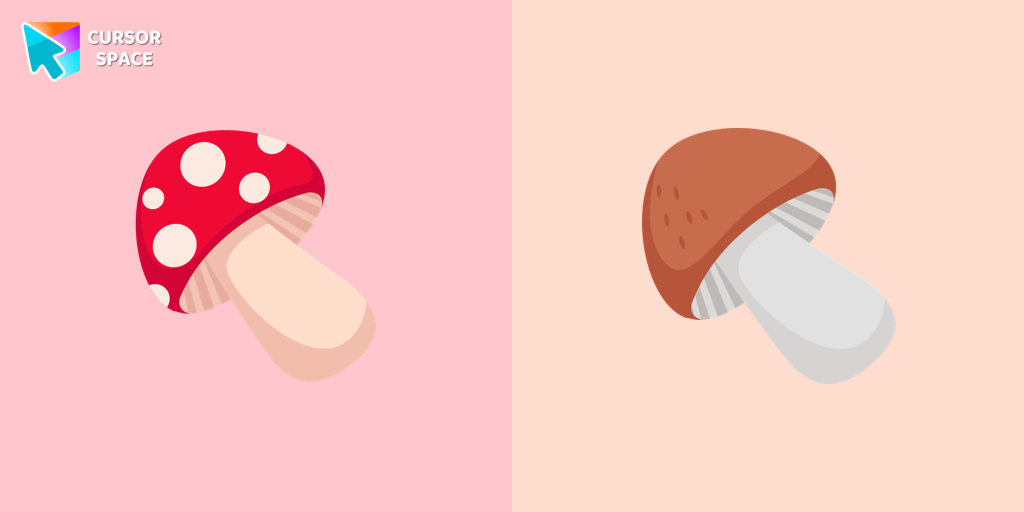 Mushrooms cursorHere is a cute mushroom cursor for the mouse. Make your browsing more individual with The cutest custom cursors collection for the mouse and pointers. Mushroom custom cursor in your browser.
 - Top 2
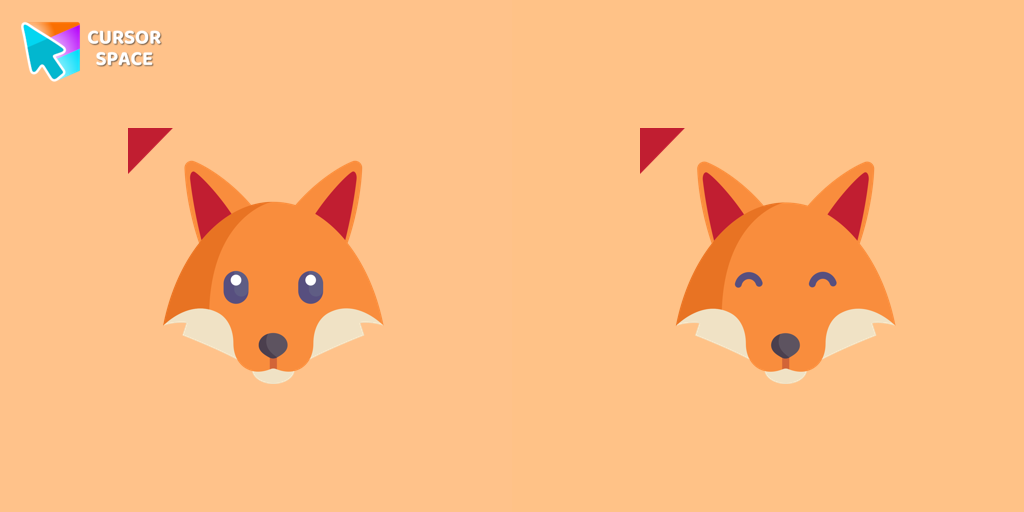 Foxy cursorSo cute custom cursor with fox will change your default mouse pointer to a real cuteness. Lovely foxy cursor won many hearts of our users. Add a custom cursor with fox from our cutest custom cursor collection for Chrome.
 - Top 3
 Funny Pineapple cursorSweet pineapple mouse cursor and pointer are created for the cutest custom cursor collection for Chrome.
  Bear cursorTeddy bear custom cursor for chrome is well-designed in the best cute traditional for out The cutest custom cursors collection for Chrome. Change the simple browser cursor to a sweet teddy bear cursor for mouse and pointer.
 Cake cursorTasty cake cursor for mouse designed with a gift box for the pointer in our cutest custom cursor collection for Chrome.
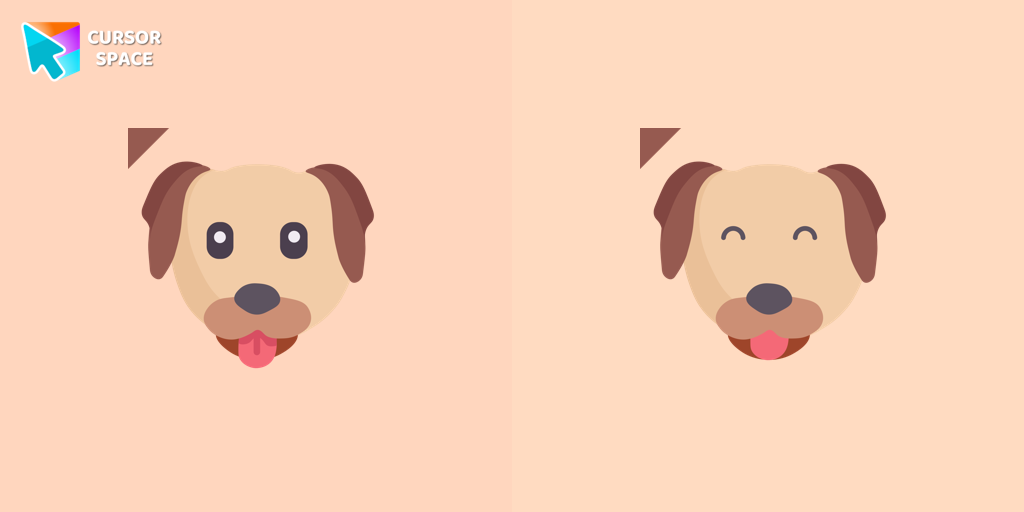 Dog cursorHere is a cute dog cursor for the mouse. Make your browsing more individual with The cutest custom cursors collection for mouse and pointers. Puppy custom cursor in your browser.
 Pony cursorPony custom cursor for chrome is well-designed in the best cute traditional for out The cutest custom cursors collection for Chrome. Change the simple browser cursor to a sweet pony cursor for mouse and pointer.
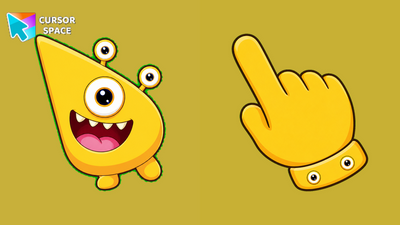 Glee Gazer Monster CursorGlee Gazer Monster Cursor on Cursor Space - sunny yellow tri-eye egg monster arrow with a spotted eye-cuff pointing hand.
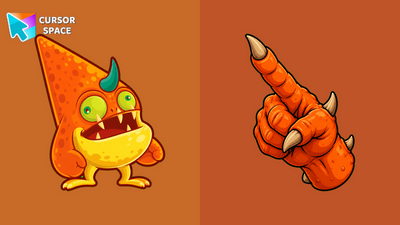 Tangerine Horn Monster CursorTangerine Horn Monster Cursor on Cursor Space - orange spotted horned arrow with a belly-patch cuff pointing hand.
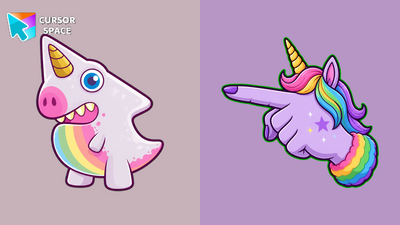 Prism Horn Monster CursorPrism Horn Monster Cursor on Cursor Space - lavender unicorn-dino arrow with a rainbow-belly cuff pointing hand.
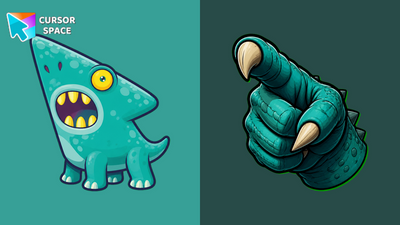 Gulp Dino Monster CursorGulp Dino Monster Cursor on Cursor Space - teal wide-mouth dino arrow with a spotted cuff pointing hand.
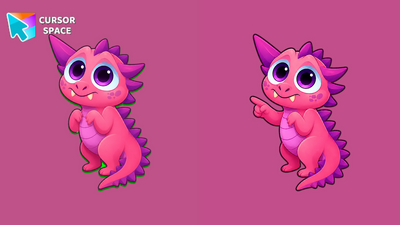 Blush Spike Monster CursorBlush Spike Monster Cursor on Cursor Space - pink spiny dragon arrow with a spine cuff pointing hand.
Collection hits
Installation leaders from "The Cutest": free packs, neon/anime/pixel art, quick add to Chrome and Edge.
- Top 1Mushrooms cursorHere is a cute mushroom cursor for the mouse. Make your browsing more individual with The cutest custom cursors collection for the mouse and pointers. Mushroom custom cursor in your browser.
- Top 2Foxy cursorSo cute custom cursor with fox will change your default mouse pointer to a real cuteness. Lovely foxy cursor won many hearts of our users. Add a custom cursor with fox from our cutest custom cursor collection for Chrome.
- Top 3Funny Pineapple cursorSweet pineapple mouse cursor and pointer are created for the cutest custom cursor collection for Chrome.
- Bear cursorTeddy bear custom cursor for chrome is well-designed in the best cute traditional for out The cutest custom cursors collection for Chrome. Change the simple browser cursor to a sweet teddy bear cursor for mouse and pointer.
- Cake cursorTasty cake cursor for mouse designed with a gift box for the pointer in our cutest custom cursor collection for Chrome.
- Dog cursorHere is a cute dog cursor for the mouse. Make your browsing more individual with The cutest custom cursors collection for mouse and pointers. Puppy custom cursor in your browser.
- Pony cursorPony custom cursor for chrome is well-designed in the best cute traditional for out The cutest custom cursors collection for Chrome. Change the simple browser cursor to a sweet pony cursor for mouse and pointer.
- Glee Gazer Monster CursorGlee Gazer Monster Cursor on Cursor Space - sunny yellow tri-eye egg monster arrow with a spotted eye-cuff pointing hand.
- Tangerine Horn Monster CursorTangerine Horn Monster Cursor on Cursor Space - orange spotted horned arrow with a belly-patch cuff pointing hand.
- Prism Horn Monster CursorPrism Horn Monster Cursor on Cursor Space - lavender unicorn-dino arrow with a rainbow-belly cuff pointing hand.
- Gulp Dino Monster CursorGulp Dino Monster Cursor on Cursor Space - teal wide-mouth dino arrow with a spotted cuff pointing hand.
- Blush Spike Monster CursorBlush Spike Monster Cursor on Cursor Space - pink spiny dragon arrow with a spine cuff pointing hand.
Install Cursor Space - A Collection of Custom Cursors for Chrome & Edge
Add packs instantly and unlock access to thousands of cursors: neon, anime, pixel-art, and more. Fast, safe, and free.
- Free cursor packs
- HD/HiDPI & animated icons
- Quick browser installation
Cursor Space is an extension for changing your mouse cursor in Chrome and Edge browsers: themed collections, HiDPI icons, neon, animated, and pixel cursors, with quick installation.