
All Cursor Packs
Browse our full collection of custom cursors. Find your next favorite style and install it for free.
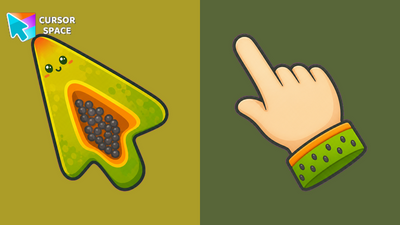 Papaya Tropical CursorPapaya Tropical Cursor - a cute green papaya arrow and a seed-dotted pointing hand for Chrome and Edge.
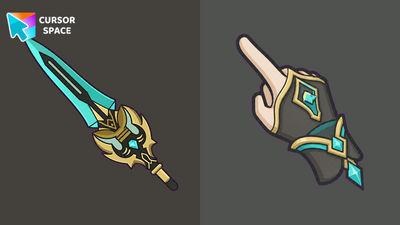 Xiao Jade CursorXiao Jade Cursor - teal jade spear arrow and a gold-trim pointing hand for Chrome and Edge.
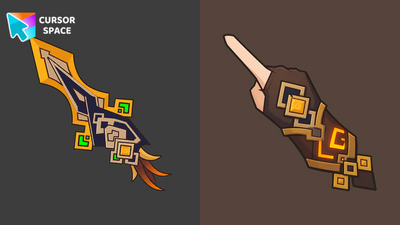 Zhongli Vortex CursorZhongli Vortex Cursor - amber vortex spear arrow and a geo-trim pointing hand for Chrome and Edge.
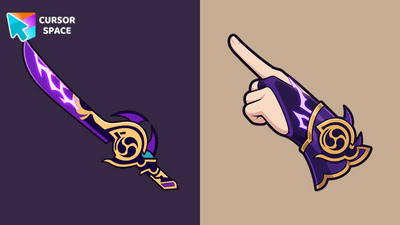 Raiden Shogun Electro CursorRaiden Shogun Electro Cursor - purple lightning katana arrow and a gold-trim pointing hand for Chrome and Edge.
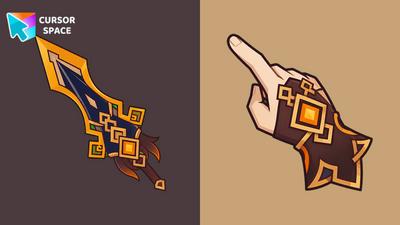 Zhongli Geo CursorZhongli Geo Cursor - amber geo spear arrow and a gold-trim pointing hand for Chrome and Edge.
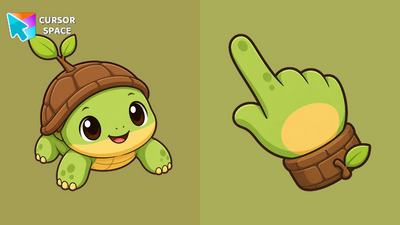 Turtwig Sprout CursorTurtwig Sprout Cursor - a chibi leaf turtle arrow with a matching green pointing hand for Chrome and Edge.
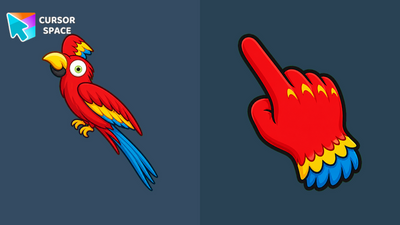 Scarlet Macaw Fan Art CursorScarlet Macaw Fan Art Cursor pack with a bright parrot arrow and matching red click hand for Chrome and Edge.
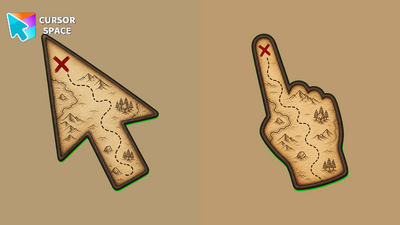 Game Quest Map CursorGame Quest Map Cursor with parchment map arrow and pointing hand for Chrome and Edge.
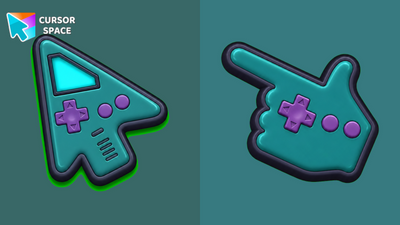 Game Retro Console CursorGame Retro Console Cursor with handheld console arrow and pointing hand for Chrome.
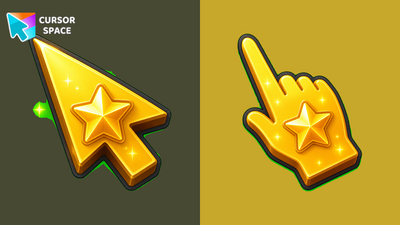 Game Power-Up Star CursorGame Power-Up Star Cursor with golden star arrow and pointing hand for Chrome, Edge and Brave.
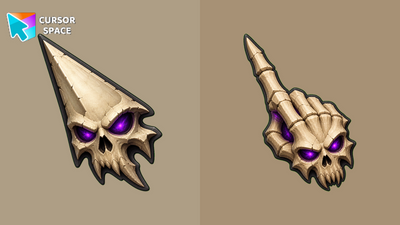 Game Boss Skull CursorGame Boss Skull Cursor with pixel boss skull arrow and pointing hand for Chrome and Edge.
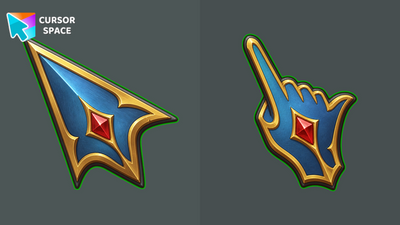 Game RPG Shield CursorGame RPG Shield Cursor with fantasy crest arrow and pointing hand for Chrome.
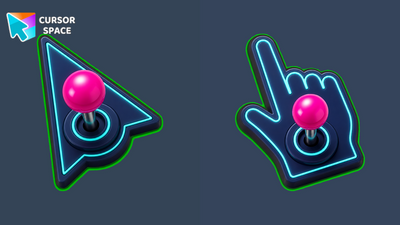 Game Arcade Joystick CursorGame Arcade Joystick Cursor with neon stick arrow and pointing hand for Chrome, Edge and Brave.
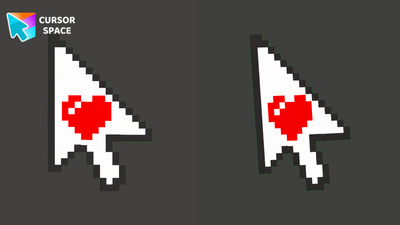 Game Pixel Heart CursorGame Pixel Heart Cursor with retro HP heart arrow and pointing hand for Chrome and Edge.
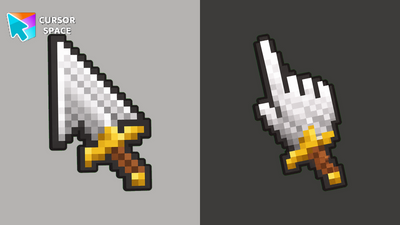 Game Pixel Sword CursorGame Pixel Sword Cursor with 8-bit blade arrow and matching pointing hand for Chrome.
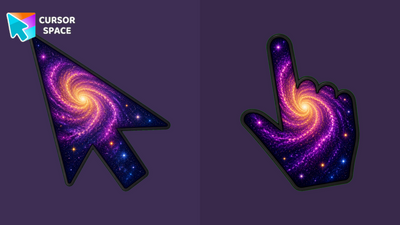 Cursor Space Galaxy CursorCursor Space Galaxy Cursor with spiral galaxy arrow and pointing hand for Chrome and Edge.
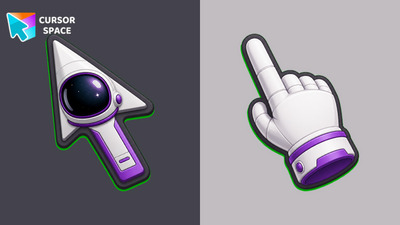 Cursor Space Astronaut CursorCursor Space Astronaut Cursor with helmeted arrow and glove pointing hand for Chrome.
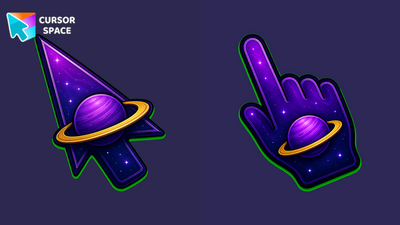 Cursor Space Planet CursorCursor Space Planet Cursor with ringed planet arrow and pointing hand for Chrome, Edge and Brave.
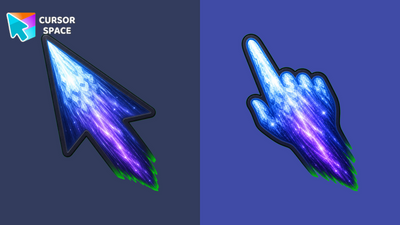 Cursor Space Comet CursorCursor Space Comet Cursor with icy trail arrow and pointing hand for Chrome and Edge.
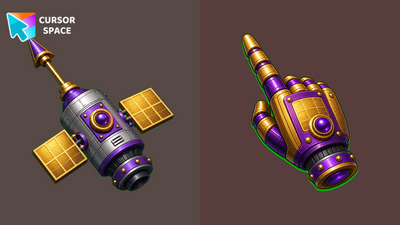 Cursor Space Satellite CursorCursor Space Satellite Cursor with solar-panel arrow and antenna pointing hand for Chrome.
Explore cursor packs by style
Cursor Space packs include curated cursor sets for everyday browsing: cute, minimal, anime, neon, pixel art, and more. Each pack comes with multiple cursor states (like default and pointer) and can be added to your browser in seconds.
Trending now
Fresh picks based on what people install most often.
Collections
Browse themed sets grouped by vibe and aesthetic.
Top charts
See weekly, monthly, and all-time leaders.
How to install a cursor pack
- Open any pack from the grid above.
- Click the install / add button on the pack page.
- If you don’t have it yet, install the Cursor Space browser extension.
- Apply the pack in the extension and enjoy your new cursor.
FAQ
Quick answers to common questions about cursor packs, collections, and installation.
Are cursor packs free on Cursor Space?
Most cursor packs on Cursor Space are free to browse and install. Some packs may be marked premium depending on licensing. The Cursor Space browser extension is free to install from the Chrome Web Store.
Do cursor packs work on Chrome and Edge?
Yes. Install the Cursor Space extension for Chromium-based browsers (Chrome, Edge, Brave), open a pack page, and click install/apply. The extension applies the cursor set across your browser.
How do I install a custom cursor pack?
Open the pack page, click the install or add button, install the Cursor Space extension if prompted, then apply the pack from the extension popup. Your new cursor appears immediately.
Can I change or remove a custom cursor later?
Yes. Open the Cursor Space extension, choose another pack, or restore the default system cursor from the extension settings.
Is the Cursor Space extension safe?
Cursor Space is distributed via the Chrome Web Store and Edge Add-ons. Keep the extension updated, and only install packs from trusted catalog pages on this site.